


Download UC Browser – download, free, software, tool, utility, Windows, Mac, secure, latest version, update, PC software, desktop application
Overview
UC Browser is a free web browser application developed by UCWeb, a subsidiary of Alibaba Group. It is designed for users seeking a fast and feature-rich browsing experience across multiple platforms. The software is available on Android, iOS, Windows, and Mac operating systems, with significant user adoption in regions including China, India, and Indonesia.
Its primary purpose is to facilitate internet navigation, enabling users to search for information, access websites, and manage online content. The browser addresses the need for a lightweight, high-speed browsing solution, particularly in areas with limited bandwidth. It serves a broad audience, including casual internet users and those in emerging markets who prioritize speed and convenience.
While the software offers a range of built-in tools, its popularity has seen a decline due to reported security and privacy concerns. The developer did not provide additional system requirements. Real-world usage scenarios include daily web browsing, video downloading, and accessing localized content such as horoscopes and weather forecasts.
The browser's availability on multiple platforms supports cross-device usage, though its privacy practices may deter users who prioritize data protection.
Key Features & Capabilities
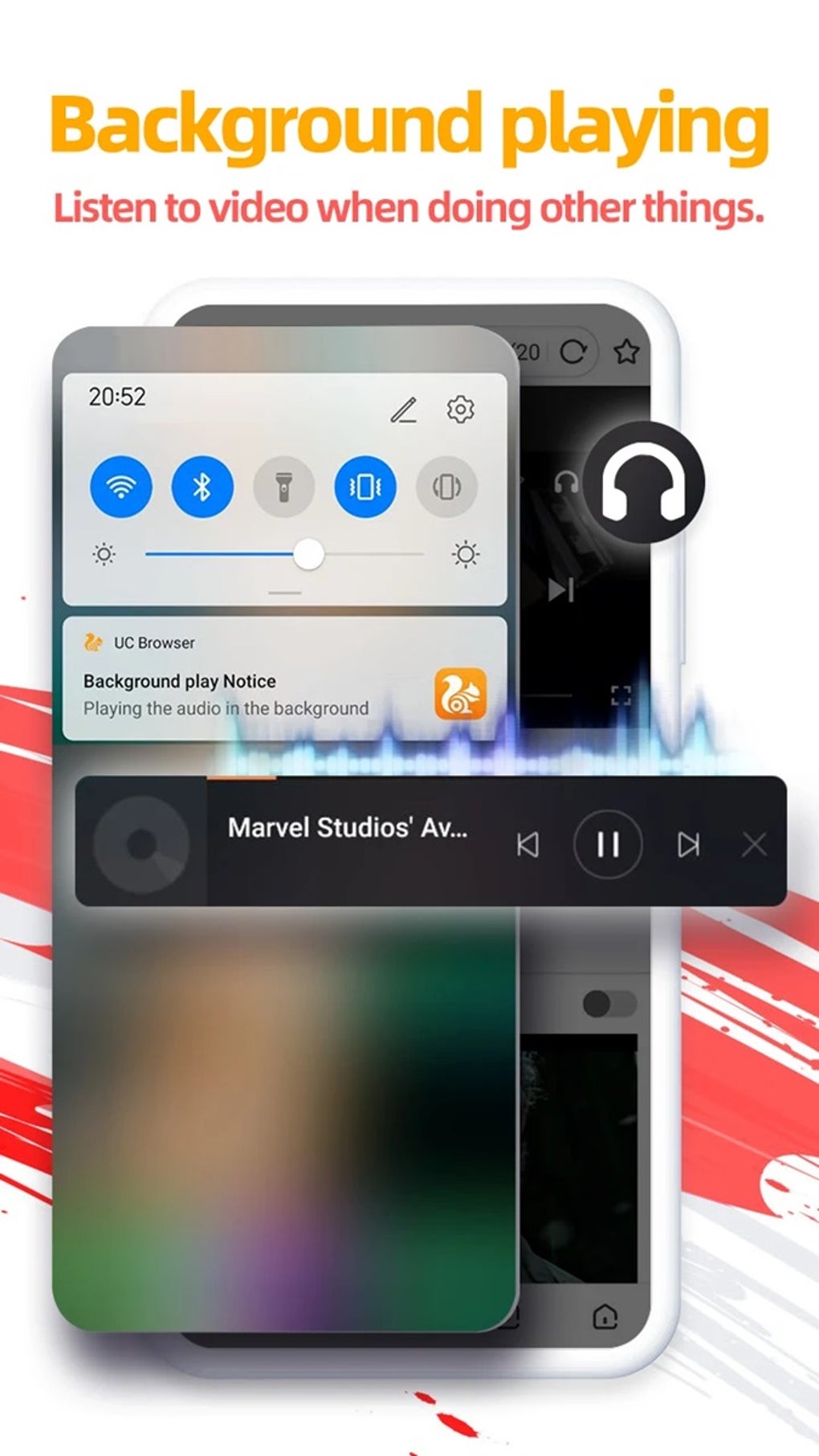
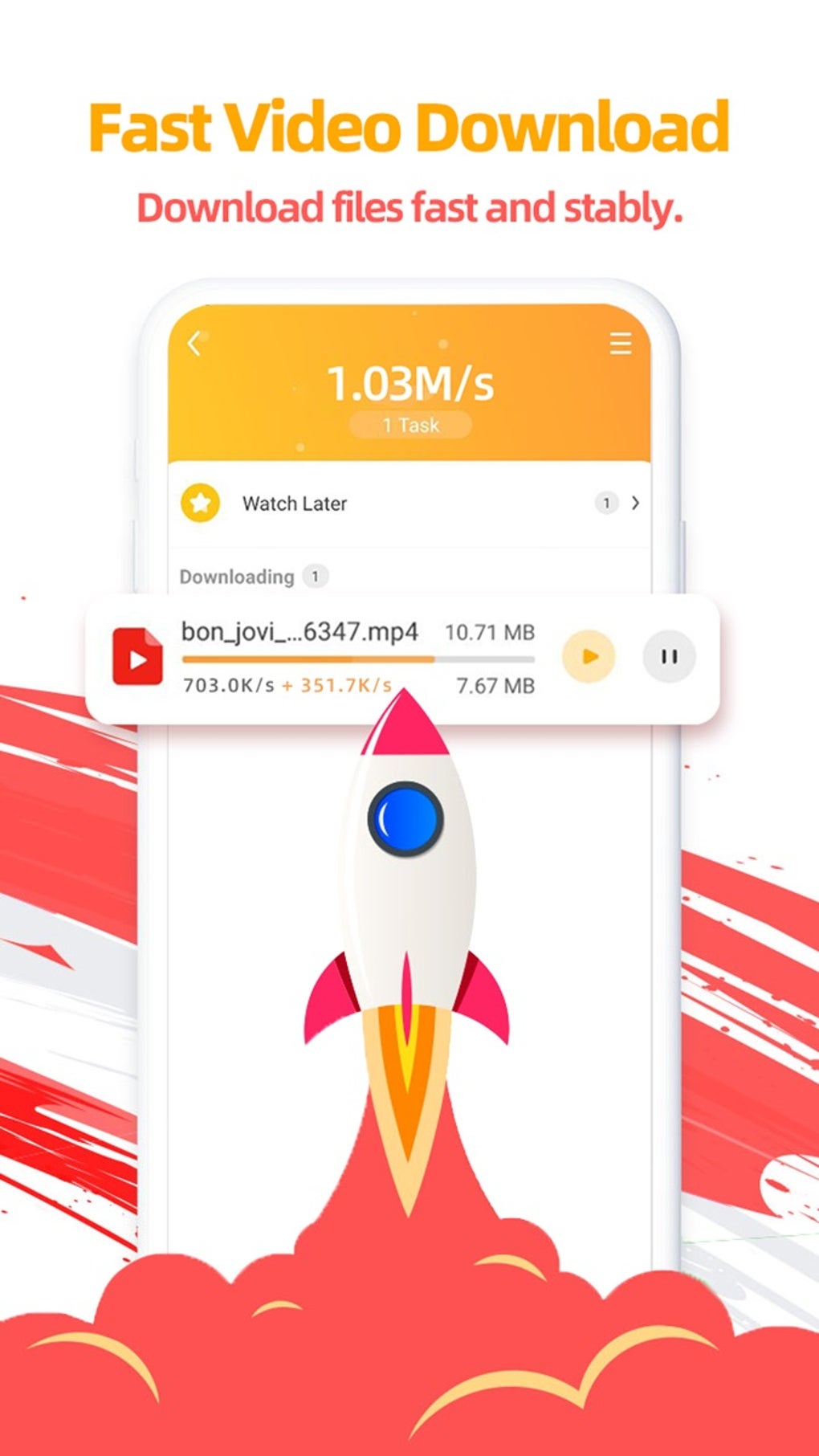
- Built-in Video Downloader: Allows users to download multimedia content directly from websites like YouTube, with downloaded files stored in the Downloads area of the main menu.
- Ad Blocker: Helps reduce interruptions by blocking ads and pop-ups during browsing sessions.
- Incognito Mode: Provides a browsing session that does not save history or cookies, though the developer did not specify whether all user data is retained in the system database.
- Bookmarks and History: Enables users to save favorite websites and access browsing history, including a Top sites category for quick access to frequently visited pages.
- Night Mode: Offers a dark theme to reduce eye strain during evening or low-light usage.
- Game Center: Provides access to online games that can be downloaded and played directly within the browser.
- Weather Forecast and Daily Horoscope: Displays real-time weather updates and horoscope predictions on the home screen.
- Multiple Language Support: Available in several languages, including Chinese, English, and Urdu, catering to a diverse user base.
These features collectively aim to enhance user convenience and engagement. For instance, the video downloader streamlines content acquisition, while the game center and horoscope features add entertainment value. The browser's interface supports quick navigation through the search bar, history tab, and bookmark management. However, the developer did not specify the extent of data retention during incognito sessions or the exact mechanisms of the ad blocker.
User Interface, Workflow & Performance
The user interface of UC Browser is structured around a main menu that can expand and collapse, offering access to bookmarks, history, themes, and tools. Navigation is designed to be intuitive, with a search bar at the top for direct URL entry or keyword searches. The layout includes sections such as Top sites and Most visited, which help users quickly access frequently used websites.
The workflow is streamlined for common tasks like bookmarking links and managing downloads. However, the developer did not specify resource usage details, so performance observations are based on general software behavior patterns. Stability and CPU/RAM behavior were not disclosed.
The browser's design emphasizes speed and ease of access, which may contribute to a responsive experience on compatible devices. The inclusion of features like night mode and multiple language options supports a customizable user experience. Despite these strengths, the lack of transparency around data handling during incognito mode may impact user trust.
The developer did not provide information on update frequency or performance benchmarks.
Compatibility & System Requirements
UC Browser is compatible with Android, iOS, Windows, and Mac operating systems. The software is available as a cross-platform application, supporting both mobile and desktop environments. The installation size and specific hardware requirements were not listed.
The developer did not provide exact system requirements. Compatibility information was partially provided, indicating that the software is designed for a wide range of devices. Users should ensure their system meets the minimum requirements for their respective platform, though these were not specified.
The browser supports multiple languages, which enhances accessibility across different regions. For users seeking to install the APK version, enabling installation from unknown sources is required, which may pose security risks if not done cautiously. The developer did not clarify whether the software is optimized for low-end devices or high-performance systems.
Pros and Cons
Pros
- Free to download and use, making it accessible to a wide audience.
- Available on multiple platforms including Windows, Mac, Android, and iOS.
- Includes a built-in video downloader for direct content retrieval.
- Offers a range of features such as ad blocking, night mode, and a game center.
- Supports multiple languages, enhancing usability in diverse markets.
Cons
- Privacy concerns due to automatic collection and sharing of personal data with third parties.
- Cannot disable tracking, which limits user control over online privacy.
- Developer did not specify detailed system requirements or performance data.
- Incognito mode does not fully prevent data logging, according to available information.
- Popularity is decreasing due to security and privacy issues.
FAQ Section
Is UC Browser safe to use?
UC Browser is available as a free tool for various platforms, but it has been associated with privacy concerns. The browser collects and shares personal data such as device model, IP address, and location with third-party advertisers. While the privacy policy states that data will not be sold, the sharing with advertisers raises security considerations. Users concerned about data protection may find it less secure than alternatives.
Can I download UC Browser on Windows and Mac?
Yes, UC Browser is available for both Windows and Mac operating systems. The software supports desktop platforms, allowing users to install and use it as a desktop application. Installation instructions are typically straightforward, though specific details on system compatibility were not provided.
Does UC Browser allow me to disable tracking?
According to available information, UC Browser does not allow users to disable tracking. The browser automatically collects and transmits user data to third parties, including identifiers like Apple IDFA and Google AAID. This limitation may be a significant drawback for privacy-conscious users.
How do I update UC Browser?
Updates for UC Browser are likely distributed through official app stores or the developer’s website. However, the update frequency and method were not specified. Users should check the official source for the latest version to ensure they have the most current release.
Is UC Browser available as a free download?
Yes, UC Browser is offered as a free software application. It does not require a paid subscription for core browsing functionality. Users can download and install it without cost, though some features may be limited or require additional permissions.
Final Thoughts + CTA
UC Browser presents a convenient and feature-rich browsing solution, particularly for users who prioritize speed and access to built-in tools like a video downloader and game center. Its cross-platform availability and multilingual support enhance accessibility across diverse markets. However, the browser's security and privacy shortcomings, including the inability to disable tracking and the automatic sharing of personal data, represent significant drawbacks.
These concerns may deter users who value data protection. While it remains a viable option for those who prioritize convenience over privacy, it is not recommended for individuals with strict security requirements. For users seeking enhanced privacy, alternatives such as DuckDuckGo and Mozilla Firefox offer better control over online tracking.
Overall, UC Browser is a functional tool with notable limitations. Download UC Browser now to experience its speed and features, but proceed with awareness of its privacy implications.






.png)
